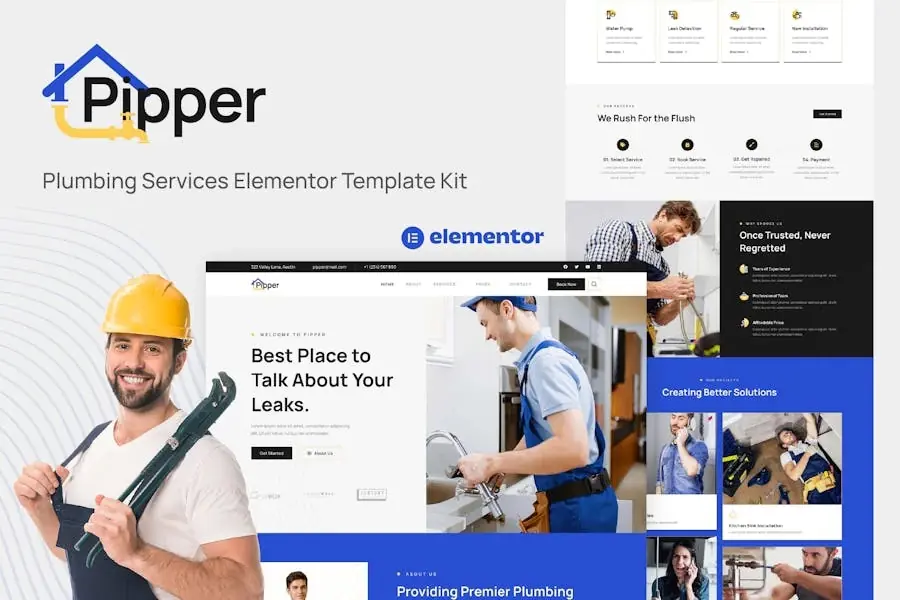
ChemicLab is a modern and clean Elementor Template Kit created for ScienceResearch, Chemistry or Biology laboratories, Health Research, MedicalLaboratory and any kind of commercial laboratory. This template features afeature-rich design with a 100% responsive, retina-ready layout and very easyto customize because using Elementor so you don?t need a single line ofcoding!
This template kit includes15+ carefully crafted templates,you can build your professional-looking website just in a few clicks.
Features:
Using Free Plugins (Elementor Pro is not required)
Modern & Clean Design
15+ Ready to use templates
Fully Responsive Layout
Retina Ready
Fully Customizable
Cross Browser Compatibility: Chrome, Firefox, Safari, Opera
Global Theme Style – customize fonts in one place
Templates Include:
Home
Research
Research Detail
About
Team
FAQ
404 Page
Blog
Single Post
Contact
Header
Footer
Metform Appointment
Metform Contact
Required Plugins installed with kit:
Elementor Page Builder
Elementor – Header, Footer & Blocks
Jeg Elementor Kit
MetForm
ElementsKit Lite
How to Install:
Install and Activate the «Template Kit Import» plugin from Plugins Add New in WordPress
Do not unzip
Go to Elements Installed Kits and click the Upload Template Kit button.
Before importing a template, ensure the Install Requirements button is clicked to activate required plugins
For best results, do not import more than one template at a time.
Detailed Guide: https://help.market.envato.com/hc/en-us/articles/360038112932-How-to-use-the-Template-Kit-Import-plugin-from-Envato-to-Install-Elementor-Template-Kits
How to Import Metforms
Import the metform block templates
Import the page template where the form appears and right-click to enable the Navigator
Locate and select the Metform widget and click Edit Form. Choose New, then Edit Form. The builder will appear
Click ?Add Template? grey folder icon.
Click ?My Templates? tab.
Choose your imported metform template, then click ?Insert? (click No for page settings).
Once the template is loaded, make any desired customizations and click ?Update & Close? The form will appear in the template
Click Update
Setup Global Header and Footer in Header Footer & Blocks plugin
Import the header and footer template
Go to Appearance Header Footer and click Add New button
Give it a title and select Header, Display on Entire Site and click Plublicada
Click Edit with Elementor
Click the gray folder icon to access My Templates tab and select the header template to import and Update.
Repeat for Footer
Notes:
This Template Kit uses demo images from Envato Elements. You will need tolicense these images from Envato Elements to use them on your website, or youcan substitute them with your own.