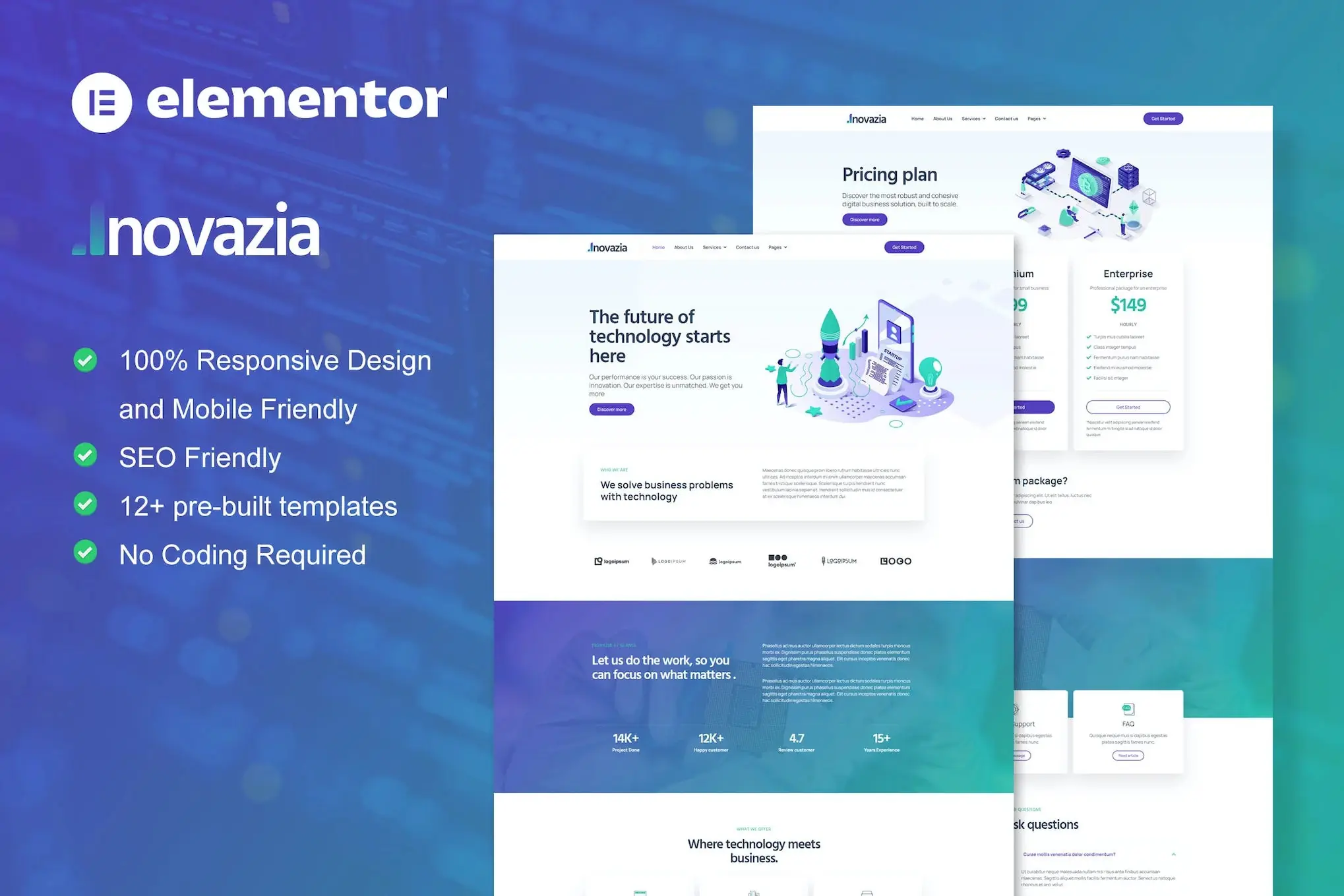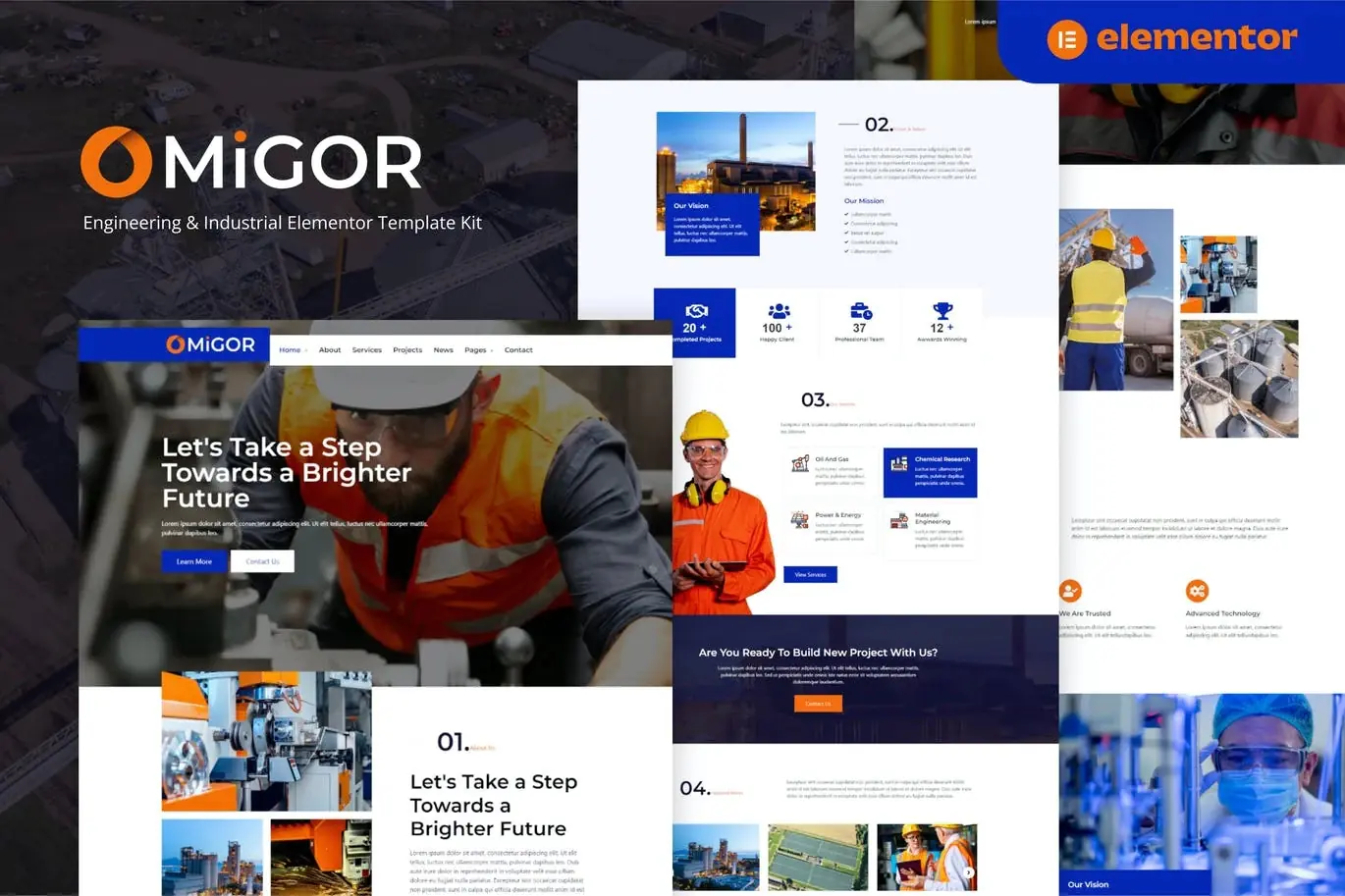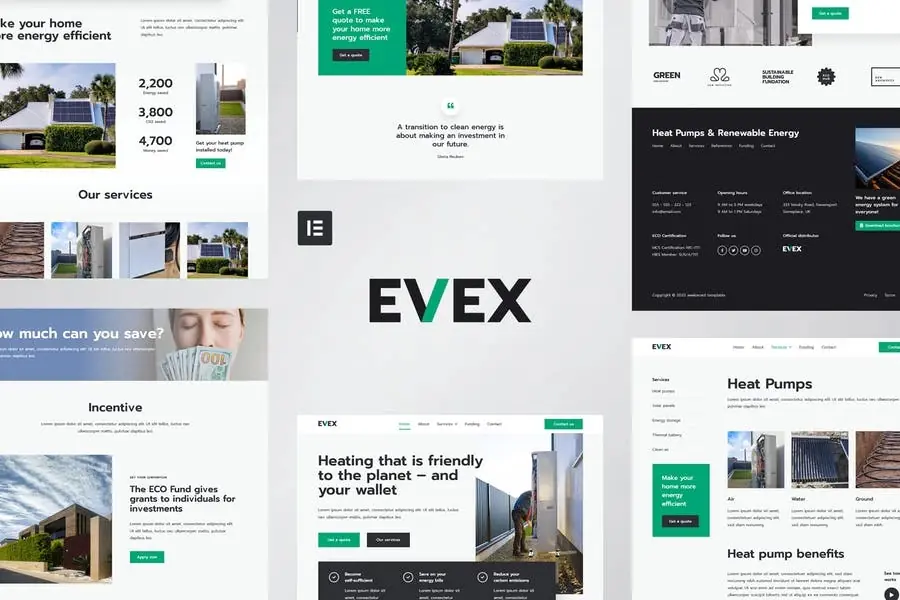
Hiro is a modern Elementor Template Kit to create a pro-level and functionalwebsite for Human Resources, Recruiting, Outsourcing Companies, HR Advisor,Job Board, and any related business with an active web admin.
This template kit includes carefully crafted 14+ Elementor templates. You canbuild your professional, modern, and functional WordPress website just a clickaway and without coding!
Features:
Using Free Plugins (Elementor Pro is not required)
Modern & Clean Design
14+ Ready to use templates
Fully Responsive Layout
Retina Ready
Fully Customizable
Cross Browser Compatibility: Chrome, Firefox, Safari, Opera
Templates Include:
Home
About
Job List
Job Detail
FAQ
404 Page
Services
Contact
Blog
Single Post
MetForm – Contact Form
Header
Footer
Global Theme Style
Required Plugin:
Elementor
Jeg Elementor Kit
ElementsKit Lite
MetForm
NoteThis is not a WordPress theme and does not have automatic job listings capabilities but you can implement job listing plugins easily.
How to Use Template Kits:
Install and Activate the «Envato Elements» plugin from Plugins Add New in WordPress
Download your kit file and Do not unzip
Go to Elements Installed Kits and click the Upload Template Kit button. You may also import automatically by clicking Connect Account to link your Elements subscription, then import under Elements Template Kits.
Check for the orange banner at the top and click Install Requirements to load any plugins the kit uses
Click import on the Global Kit Styles first
Click Import on one template at a time. These are stored in Elementor under Templates Saved Templates.
Go to Pages and create a new page and click Edit with Elementor
Click the gear icon at lower-left of the builder to view page settings and choose Elementor Full Width and hide page title
Click the gray folder icon to access My Templates tab and then Import the page you’d like to customize.
Detailed Guide: https://help.market.envato.com/hc/en-us/articles/900000842846-How-to-use-the-Envato-Elements-WordPress-Plugin-v2-0
For further support, go to Elementor Get Help in WordPress menu.
How to Import Metforms
Import the metform block templates
Import the page template where the form appears and right-click to enable the Navigator
Locate and select the Metform widget and click Edit Form. Choose New, then Edit Form. The builder will appear
Click ?Add Template? grey folder icon.
Click ?My Templates? tab.
Choose your imported metform template, then click ?Insert? (click No for page settings).
Once the template is loaded, make any desired customizations and click ?Update & Close? The form will appear in the template
Click Update
How to setup header in Jeg Elementor Kit plugin
Go to Jeg Elementor Kit menu item Header Template
Click Add New Header
Add condition All Site and click Create
Click gray folder icon to access My Templates tab
Insert the header template.
Customize and Save.
Images:
This Template Kit uses demo images from Envato Elements. You will need tolicense these images from Envato Elements to use them on your website, or youcan substitute them with your own.
https://elements.envato.com/image-ZL5JNLB
https://elements.envato.com/image-E4PT7L2
https://elements.envato.com/image-VHQXXMG
https://elements.envato.com/image-BX56THL
https://elements.envato.com/image-WVG33DN
https://elements.envato.com/image-CDTT7C2
https://elements.envato.com/image-PV58XQA
https://elements.envato.com/image-ASYN6AP
https://elements.envato.com/image-MPJTUS7
https://elements.envato.com/image-PWUARZ8
https://elements.envato.com/image-GMS7E8Z
https://elements.envato.com/image-ADQN65G
https://elements.envato.com/image-QWMVSP6
https://elements.envato.com/image-5R3AJZL
https://elements.envato.com/image-PZHRVXB
https://elements.envato.com/image-GDYV9E4
https://elements.envato.com/image-MZCPE9D
https://elements.envato.com/image-C33N8WN
https://elements.envato.com/image-D72WU2F
https://elements.envato.com/image-TD5X6QY
https://elements.envato.com/image-KDDVQEQ
https://elements.envato.com/image-GDGZGH7
https://elements.envato.com/image-LD6JCTK
https://elements.envato.com/image-65MBN8A
https://elements.envato.com/image-U72HPVL
https://elements.envato.com/image-HKNX4WD
https://elements.envato.com/image-ANM6GZR
https://elements.envato.com/image-D4X3NZ3
https://elements.envato.com/image-H5Q8EPY
https://elements.envato.com/image-N3XVW6F